DropFile Converter

Audio Conversion

Convert FLAC to AAC

Use DropFile to convert FLAC audio files into AAC audio output on Windows. The workflow is designed for quick drag-and-drop conversion without sending your file through a browser upload form.

FLAC input AAC output 100% Local Windows 10 / 11
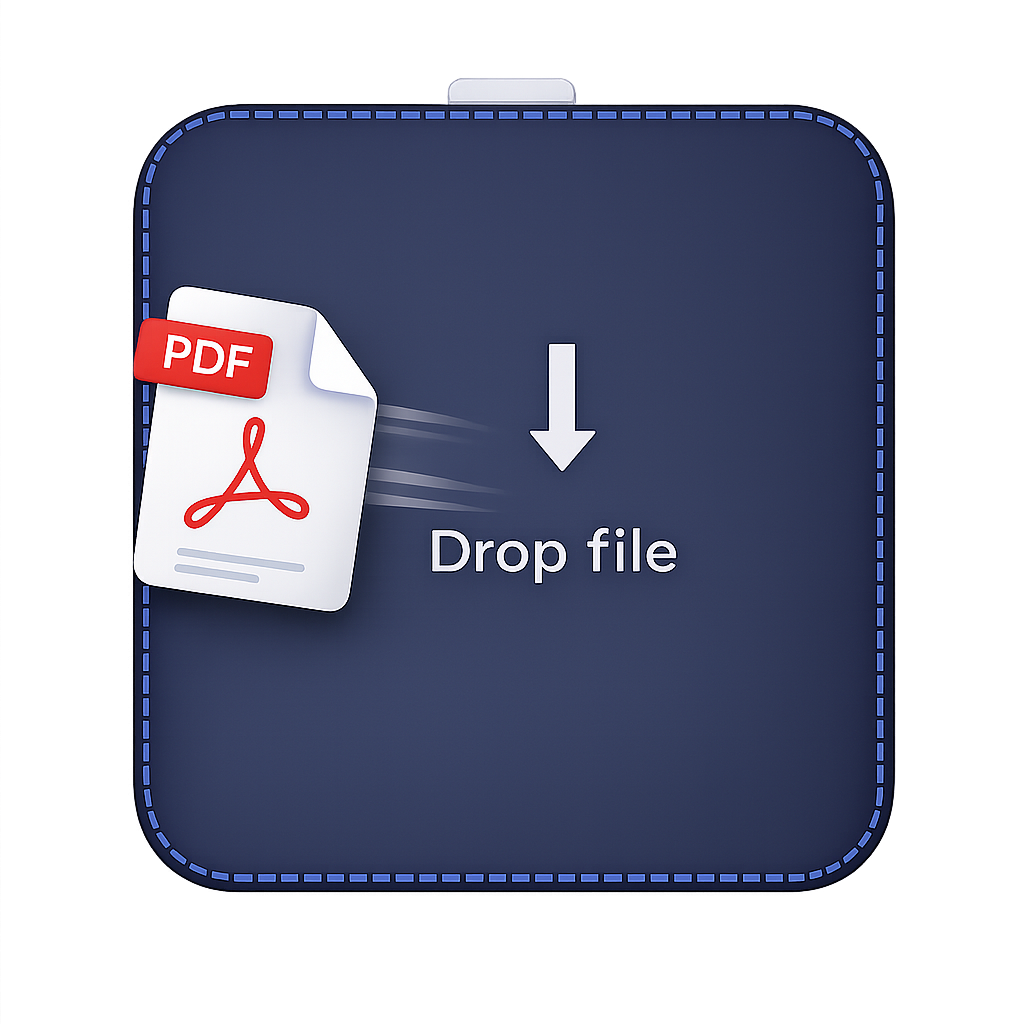
DropFile desktop widget for FLAC to AAC conversion

What This Conversion Does

Convert FLAC to AAC

FLAC and AAC audio formats differ in file size, quality, and playback support. DropFile lets you create the version that fits your next step.

FLAC is a lossless compressed audio format used for high-quality music libraries and archives. AAC is a compressed audio format used by many phones, streaming services, and modern media workflows.

  • Drop the file onto DropFile and choose the AAC output action.
  • Keep supported conversions on your local Windows PC instead of using a web upload workflow.
  • Use one desktop app for documents, spreadsheets, images, PDF, video, audio, and archives.
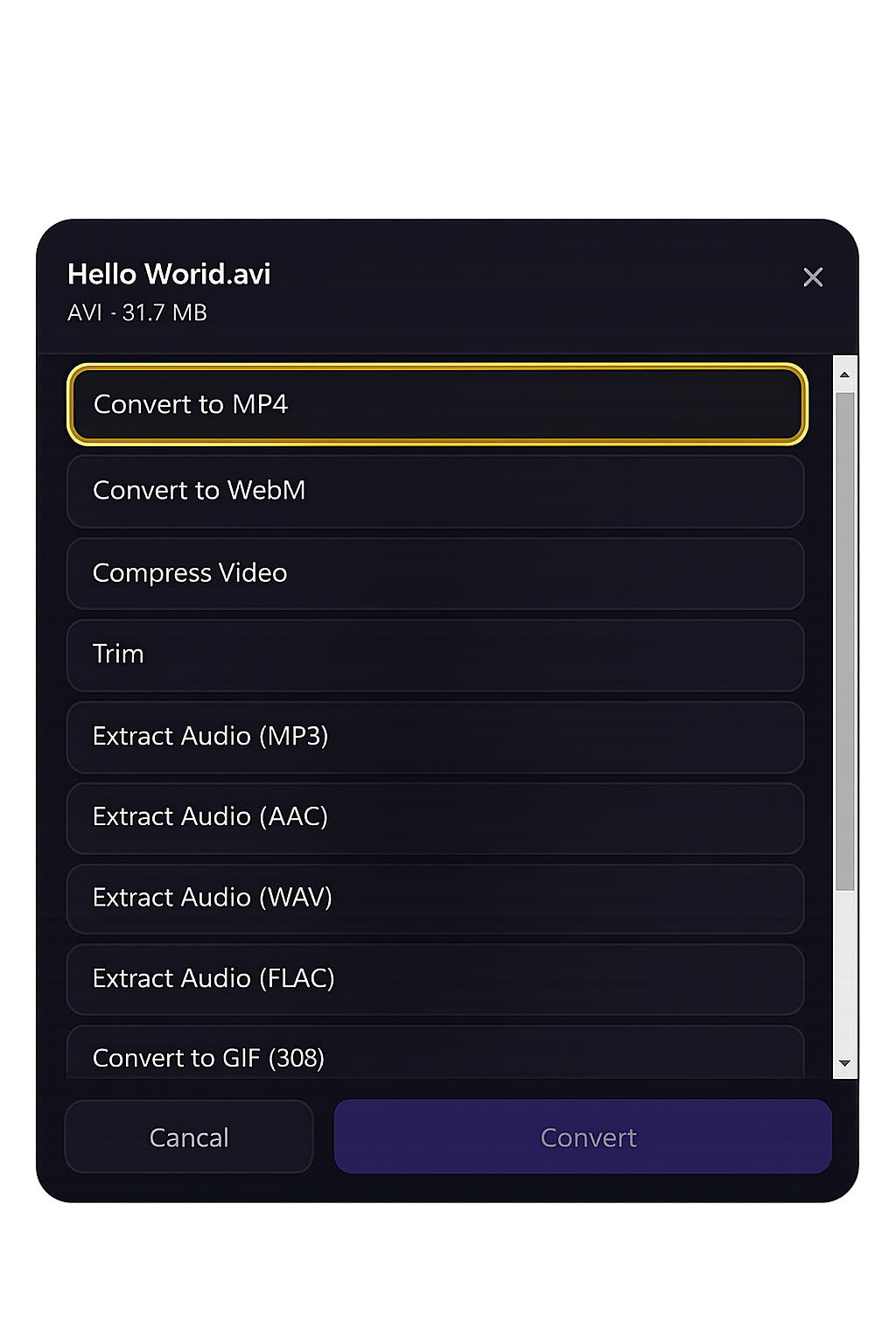
DropFile audio conversion options
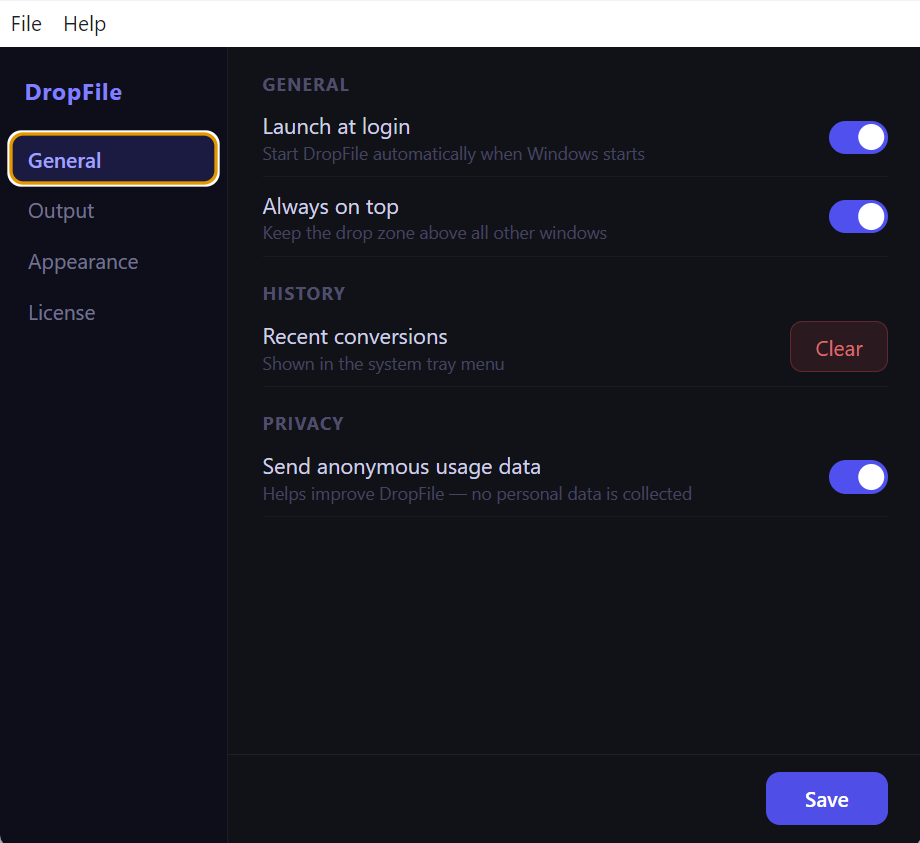
DropFile settings and output folder options

Format Comparison

FLAC vs AAC

Format Best For Why Convert
FLAC Lossless audio quality with smaller files than WAV. Keep the original source file when you need its native structure or compatibility.
AAC Efficient compression and strong quality at practical bitrates. Create a version that is easier to share, open, publish, archive, or reuse in another workflow.

Private By Design

Local FLAC to AAC conversion

DropFile is built as a Windows desktop file converter. Supported conversion work happens on your machine, so your files are not sent through an online converter just to create a new format.

No browser upload workflow Output folder control Designed for everyday desktop files

Get DropFile

Convert FLAC to AAC on Windows

Install DropFile from the Microsoft Store and use one local desktop utility for file conversion, media conversion, PDF tools, archive workflows, and more.

Available for Windows 10 and Windows 11.